Install the App Icon on your phone screen.
Save the Rush-No-More RV Resort & Campground app to your home screen for quick access during your stay.
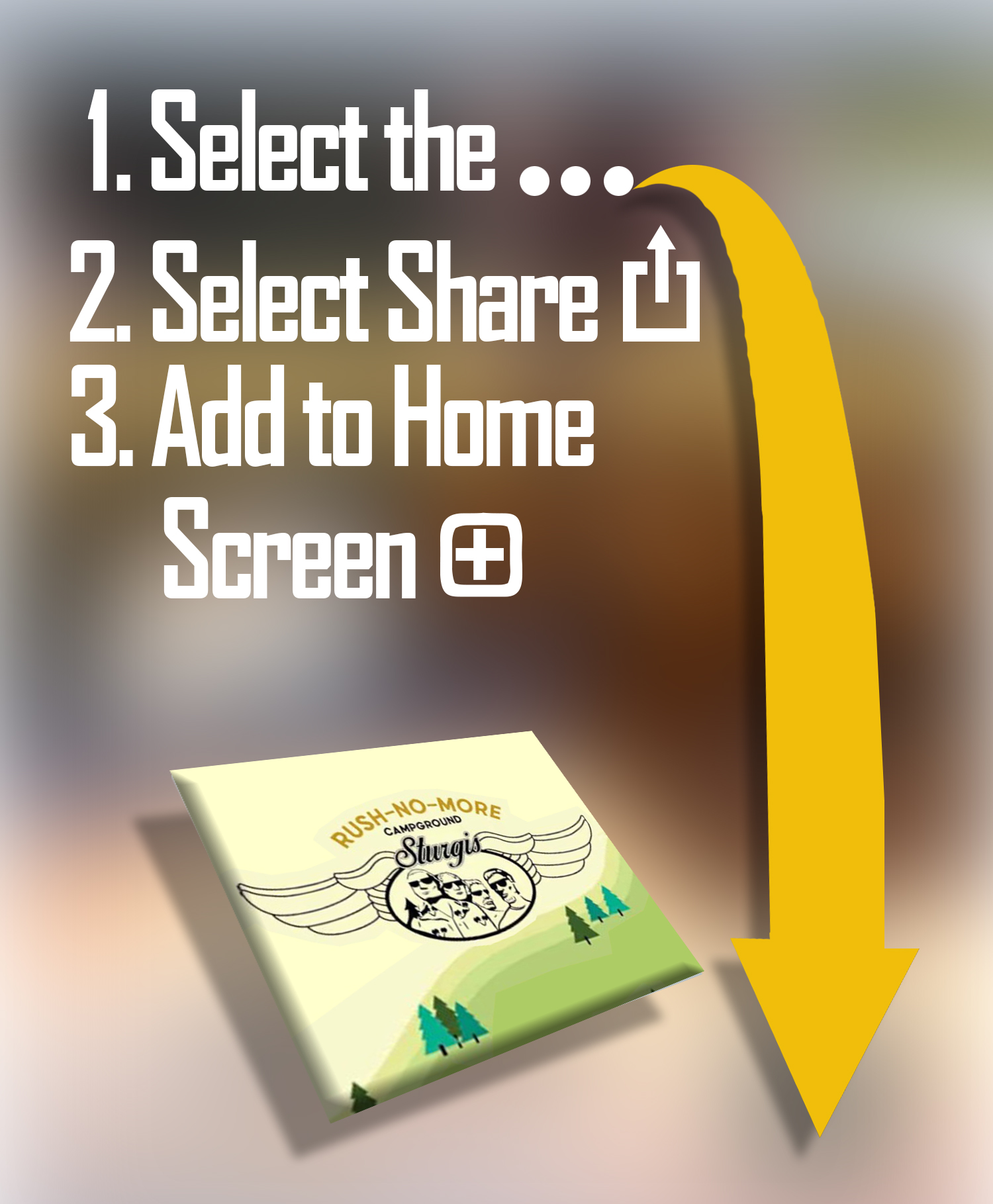
- Tap the … in the lower‑right corner of Safari.
- Tap the Share icon.
- Select Add to Home Screen.
- Tap Add in the top‑right corner.